Give your event a home.
Start with an event or album-launch layout. Add an image or video header, choose colours and fonts, arrange sections, and bring the page to life with songs, artist links, a running order and a venue map.
FOR THE PEOPLE WHO MAKE IT HAPPEN
Create the page. Sell tickets and merch. Bring your crowd.
One place to build an event, find the people behind it and organise the night. Welcome Crowd brings page design, artists, suppliers, promotion, merchandise planning and phone check-in into a shared workspace.
Explore the toolsIn development · Explore the tools now. Live ticket and merchandise sales are not open.
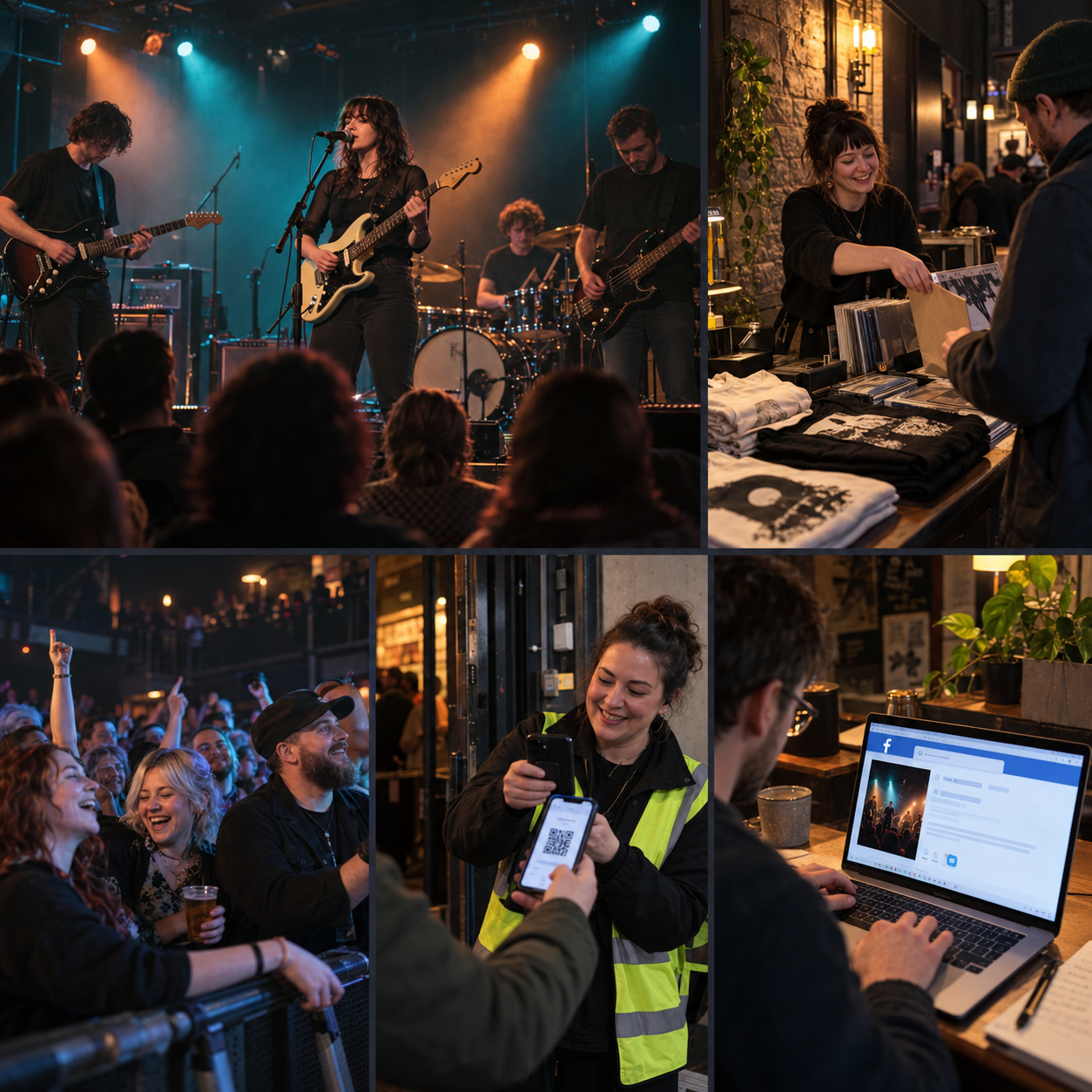
FROM THE FIRST IDEA TO THE LAST ENCORE
For promoters putting on a night, artists building an audience, suppliers offering their skills and guests coming along.
Start with an event or album-launch layout. Add an image or video header, choose colours and fonts, arrange sections, and bring the page to life with songs, artist links, a running order and a venue map.
Reuse artist profiles, check shared gig calendars and find Scottish suppliers. Give each team member the right access and use private event chats to coordinate the acts and crew.
Plan ticket prices, optional bundles, merchandise and promotion. Practise QR check-in, guest lookup and item collection. Live payments and the remaining selling tools will follow once launch checks are complete.
EXPLORE THE WORKSPACE
Image or video headers, custom colours, fonts, movable sections and three music-player views. Preview on a phone before saving.
Keep biographies, photos and links on artist profiles. Choose what to share publicly, show a gig calendar and reuse details in your next event.
Find Scottish PA, lighting, printing, merch, security and other event services. Browse profiles and contact suppliers directly.
Prepare prices, optional bundles and reusable refund terms. Try booking and sales tools in practice mode, including optional sales credit by artist.
Choose a supplier and product, record quotes, and plan postage or collection. Automatic supplier orders and customer merch checkout are still to come.
Prepare announcements, lineup posts and reminders with selected media and a calendar. Automatic publishing is being connected and is currently off.
Separate admin, sales and door roles. Private chats for acts and crew. Optional ticket-holder comments, post-event ratings and “I’m going” profiles.
Practise scanning QR tickets or finding a guest by name. Track admission and item collection separately, with current ticket status checked on entry.
WHAT YOU CAN USE NOW
Event pages, artist profiles, Scottish supplier listings, merchandise plans, promotion drafts, team permissions and private event chats are available to explore. Ticket, payment and check-in tools are currently for practice or sandbox use.
Live ticket and merchandise sales are not open. Practice and sandbox bookings are not real admissions. Automatic social publishing is off; you can prepare posts and share them yourself.
Open your event workspaceSTILL TO COME
These are planned or still being connected. They are not available as live services yet.
Ticket payments and delivery are being tested. Customer merchandise checkout, supplier ordering, postage and collection choices, and taking card payments by phone are part of the wider plan.
Connect supported social accounts, review the exact post and approve when it should go out. Network permissions and launch checks still need to be completed. Optional X usage would carry a separate charge, shown before use.
We plan to help you draft event pages and promotion, find artist links and create design ideas. Connecting your own AI is being explored; supported providers and costs are not confirmed. You can already upload images and videos you have made elsewhere.